Agent Device vs BrowserBash: Testing Tool Comparison
Agent Device and BrowserBash side by side: verified capabilities, integrations, pricing, and limitations, each claim cited to an official source.
SDK examples
One documented example per tool where available.
- TypeScript
- Package:
- agent-device (version not recorded)
- Install:
- npm install agent-device
import { createAgentDeviceClient } from 'agent-device';

async function main() {
  const client = createAgentDeviceClient({
    session: 'qa-integration',
    platform: 'ios',
    udid: 'auto',
  });

  try {
    await client.sessions.open();
    await client.command.openApp({ bundleId: 'com.apple.Preferences' });
    await client.command.tapOn({ text: 'Wi-Fi' });
    await client.command.tapOn({ text: 'Other...' });
    await client.command.inputText({ text: 'MyNetwork', into: 'Network Name' });
    await client.command.tapOn({ text: 'Join' });
  } finally {
    await client.sessions.close();
  }
}

await main();
Run: node --experimental-strip-types examples/sdk/client-session.ts
Adapted from official docs
BrowserBash: no approved SDK sample.
Unknown means no documentation was found; it is not the same as unsupported.
| Field | 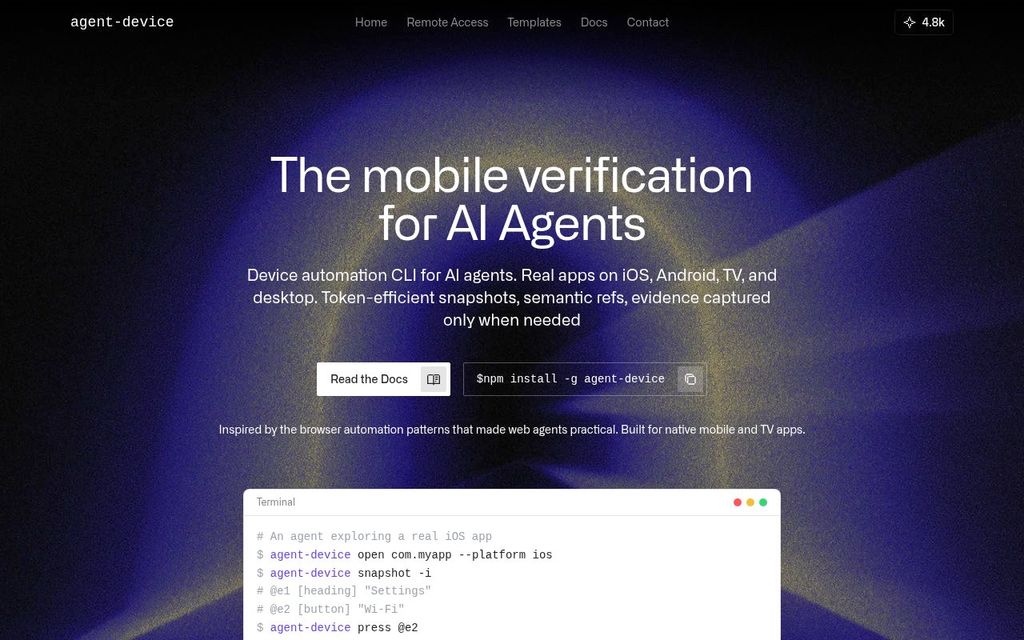 Agent Device Agent Device | 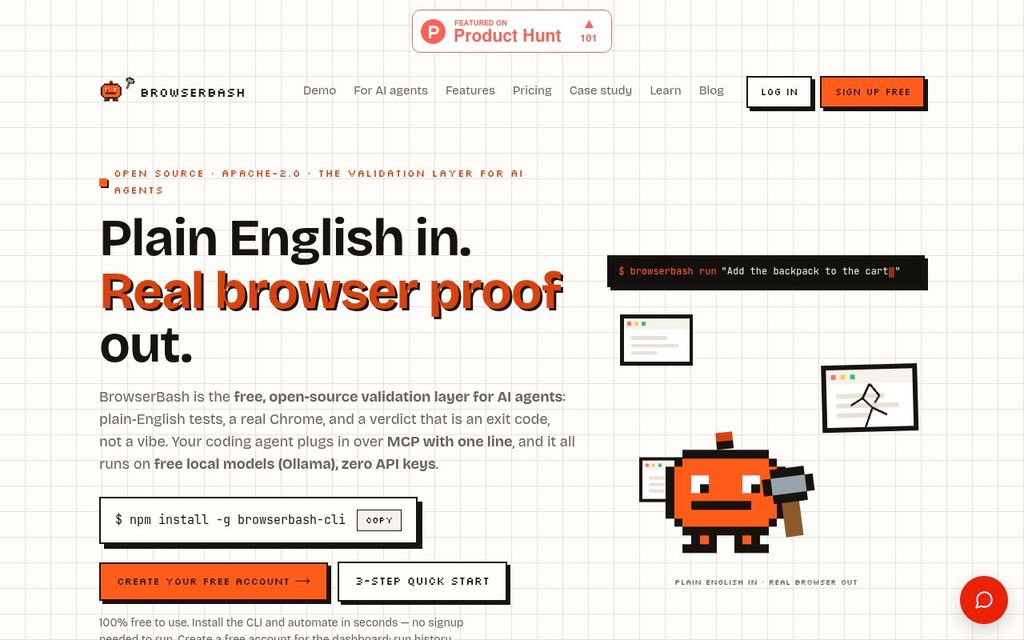 BrowserBash BrowserBash |
|---|---|---|
| Identity | ||
| Category | Testing | Testing |
| Vendor | Callstack | BrowserBash |
| Product status | active | active |
| Summary | Agent Device is Callstack's open-source command-line tool and MCP server that lets AI coding agents inspect, control, and verify mobile, TV, desktop, and web applications. | BrowserBash is an open-source command-line tool that drives a browser from plain-English instructions. |
| Product kind | Framework, AI testing agent | Framework, AI testing agent |
| AI | ||
| Uses AI | Supported Verified 2026-09-26[5] | |
| AI test generation | Supported Verified 2026-09-26[5] | |
| AI executes the app | Supported Verified 2026-09-26[5] | Supported AI agent drives the browser to execute the application based on plain-English objectives. Verified 2026-09-26[3] |
| AI generates code only | Unsupported Verified 2026-09-26[2] | |
| Autonomous exploration | Supported Verified 2026-09-26[5] | |
| Vision-based interaction | Supported Verified 2026-09-26[6] | Unknown While it interacts with the UI, it is not explicitly stated to be vision-based. Verified 2026-09-26[2] |
| Selector-free execution | Supported Verified 2026-09-26[7] | Supported Verified 2026-09-26[3] |
| Adapts to UI changes | Unknown Verified 2026-09-26[1] | Supported The AI agent resolves targets against the live DOM at runtime, adapting to UI changes. Verified 2026-09-26[2] |
| Self-healing | Unknown Verified 2026-09-26[1] | Supported The AI agent adapts to UI changes at runtime, which can be considered a form of self-healing. Verified 2026-09-26[2] |
| AI failure analysis | Supported Verified 2026-09-26[5] | Supported Provides deterministic assertions and expected-vs-actual evidence on every failure. Verified 2026-09-26[3] |
| What it tests | ||
| Testing types | End-to-end, Functional, Regression, Exploratory | End-to-end, Functional, Regression, API |
| Targets | Web app, Native desktop, Native mobile | Web app, API |
| Native desktop testing | Supported Verified 2026-09-26[1] | |
| Native mobile testing | Supported Verified 2026-09-26[1] | Unknown While it supports responsive viewports, there is no explicit mention of native mobile app testing. Verified 2026-09-26[3] |
| Browser extension testing | Unknown Verified 2026-09-26[1] | |
| Cross-browser testing | Unknown Verified 2026-09-26[1] | Supported Plugin Supports various cloud browser providers like Browserbase, LambdaTest, and BrowserStack. Verified 2026-09-26[3] |
| Cross-platform testing | Supported Verified 2026-09-26[1] | Supported Runs on Windows, macOS, and Linux, and can target different operating systems via cloud providers. Verified 2026-09-26[3] |
| Real device testing | Supported Verified 2026-09-26[2] | Unknown While it drives real browsers, it is not explicitly stated to support real mobile devices, only responsive viewports. Verified 2026-09-26[3] |
| Multi-tab testing | Unknown Verified 2026-09-26[1] | |
| iframe testing | Unknown Verified 2026-09-26[1] | |
| Canvas testing | Unknown Verified 2026-09-26[1] | |
| PDF validation | Unknown Verified 2026-09-26[1] | |
| File upload testing | Unknown Verified 2026-09-26[1] | |
| File download testing | Unknown Verified 2026-09-26[1] | |
| OAuth testing | Unknown Verified 2026-09-26[1] | |
| Email testing | Unknown Verified 2026-09-26[1] | |
| Notification testing | Supported Verified 2026-09-26[8] | |
| Video content validation | Unknown Verified 2026-09-26[1] | |
| Developer integrations | ||
| MCP server | Supported Verified 2026-09-26[5] | |
| VS Code extension | Unknown Verified 2026-09-26[5] | |
| SDK | Supported Verified 2026-09-26[3] | |
| PR workflow | ||
| GitHub | Supported Verified 2026-09-26[8] | Unknown No explicit mention of GitHub integration features beyond being open source and usable in CI. Verified 2026-09-26[3] |
| CI execution | Supported Verified 2026-09-26[2] | Supported Built for CI/CD pipelines, with structured NDJSON output and standard exit codes. Verified 2026-09-26[3] |
| GitHub PR checks | Unknown Verified 2026-09-26[2] | |
| PR-aware test selection | Unknown Verified 2026-09-26[2] | |
| Autonomous PR validation | Supported Verified 2026-09-26[2] | |
| PR comments | Unknown Verified 2026-09-26[2] | |
| Preview deployment testing | Unknown Verified 2026-09-26[2] | |
| Merge gating | Unknown Verified 2026-09-26[2] | |
| Scheduled execution | Unknown Verified 2026-09-26[2] | Supported Can be used for production monitoring with scheduled execution via `browserbash monitor --every 10m`. Verified 2026-09-26[3] |
| Pricing | ||
| Pricing | Free | Free |
| Pricing models | Free | Free, Subscription |
| Free tier | Available | Not researched |
| Trial | Not applicable | Not researched |
| Deployment | ||
| Deployment | Local, Self-hosted | Local, SaaS, Self-hosted |
| License | Open source | Open source |
| License identifiers | MIT | Apache 2.0 |
| Compatibility | ||
| Languages | JavaScript, TypeScript, Natural language | Natural language |
| Runner OS | Windows, macOS, Linux | Windows, macOS, Linux |
| Target OS | Windows, macOS, Linux, iOS, Android | Windows, macOS, Linux, iOS, Android |
| Browser engines | Not researched | Chromium |
| Browsers | Not researched | Chrome |
| Device modes | Real device, Emulator, Simulator | Responsive viewport |
| Creation and execution | ||
| Execution model | OS input, Real device, Emulator, Simulator, Hybrid | Browser DOM, Browser protocol, Computer vision, OS input, Http client |
| Authoring method | Code, AI-generated workflow, Autonomous exploration, Imported tests | Natural language, AI-generated workflow, Recorder, Imported tests |
| Code authoring | Supported Verified 2026-09-26[3] | Unsupported Verified 2026-09-26[2] |
| Recorder | Supported Verified 2026-09-26[4] | Supported Verified 2026-09-26[3] |
| Natural language authoring | Supported Verified 2026-09-26[5] | Supported Verified 2026-09-26[3] |
| Test import | Supported Verified 2026-09-26[4] | |
| Reusable steps | Supported Verified 2026-09-26[4] | |
| Parameterized tests | Supported Verified 2026-09-26[4] | |
| Test data generation | Unknown Verified 2026-09-26[1] | Unknown No explicit mention of test data generation, only seeding data via API steps. Verified 2026-09-26[3] |
| Fit | ||
| Audience | Developers, QA engineers, SDET | Developers, QA engineers, SDET |
| Company size | Solo, Startup, SMB, Mid-market, Enterprise | Solo, Startup, SMB, Mid-market, Enterprise |
| Use cases | Regression testing, Pull request validation, Test generation | Pull request validation, Regression testing, Release gating, Production monitoring, Cross browser testing, Test maintenance, Test generation |
| Validation | ||
| Visual regression | Supported Verified 2026-09-26[8] | |
| Semantic visual assertions | Supported Verified 2026-09-26[4] | |
| Accessibility checks | Unknown Verified 2026-09-26[1] | |
| API assertions | Unknown Verified 2026-09-26[1] | |
| Database assertions | Unknown Verified 2026-09-26[1] | |
| Spelling and grammar checks | Unknown Verified 2026-09-26[1] | |
| Dark and light mode testing | Unknown Verified 2026-09-26[1] | |
| Performance measurement | Supported Verified 2026-09-26[8] | |
| Running | ||
| Local execution | Supported Verified 2026-09-26[1] | Supported Verified 2026-09-26[3] |
| Headless execution | Unknown Verified 2026-09-26[1] | Supported Verified 2026-09-26[5] |
| Headed execution | Supported Verified 2026-09-26[1] | Supported Verified 2026-09-26[5] |
| Parallel execution | Supported Verified 2026-09-26[2] | |
| Test sharding | Unknown Verified 2026-09-26[1] | Supported Verified 2026-09-26[3] |
| Auto-waiting | Supported Verified 2026-09-26[4] | |
| Automatic retries | Supported Verified 2026-09-26[4] | |
| Network mocking | Unknown Verified 2026-09-26[1] | |
| Secrets injection | Unknown Verified 2026-09-26[1] | Supported Verified 2026-09-26[3] |
| Private network access | Unknown Verified 2026-09-26[1] | |
| Diagnosis | ||
| Screenshots | Supported Verified 2026-09-26[8] | Supported Verified 2026-09-26[3] |
| Video recording | Unknown Verified 2026-09-26[8] | Supported Verified 2026-09-26[3] |
| Execution traces | Supported Verified 2026-09-26[5] | |
| Console logs | Supported Verified 2026-09-26[5] | Supported Plugin Available when running on cloud providers like LambdaTest and BrowserStack. Verified 2026-09-26[5] |
| Network logs | Supported Verified 2026-09-26[5] | Supported Plugin Available when running on cloud providers like LambdaTest and BrowserStack. Verified 2026-09-26[5] |
| Replay | Supported Verified 2026-09-26[4] | Supported Local and cloud dashboards provide per-run replay with video recordings. Verified 2026-09-26[3] |
| Interactive debugging | Supported Verified 2026-09-26[5] | |
| Failure grouping | Unknown Verified 2026-09-26[1] | |
| Debug artifacts | Screenshot, Trace, Console log, Network log | Screenshot, Video, Console log, Network log |
| Enterprise | ||
| SSO (SAML) | Unknown Verified 2026-09-26[10] | |
| SSO (OIDC) | Unknown Verified 2026-09-26[10] | |
| SCIM | Unknown Verified 2026-09-26[10] | |
| RBAC | Unknown Verified 2026-09-26[10] | |
| Audit logs | Unknown Verified 2026-09-26[10] | |
| Secrets management | Unknown Verified 2026-09-26[10] | |
| Configurable retention | Unknown Verified 2026-09-26[10] | |
| Private runners | Unknown Verified 2026-09-26[10] | |
| On-premises deployment | Supported Verified 2026-09-26[1] | |
| Data residency | Unknown Verified 2026-09-26[10] | Unknown No explicit mention of data residency options beyond local-first operation and cloud storage in Vercel Blob and Postgres. Verified 2026-09-26[6] |
| Training opt-out | Unknown Verified 2026-09-26[10] | Supported Explicitly states "We do not sell your data and we do not train AI models on your runs." Verified 2026-09-26[6] |
| Operations | ||
| Setup difficulty | low | low |
| Maintenance approach | Manual code, Resilient locators | Reusable components, Resilient locators, Self-healing |
| Max concurrency | null | Unknown |
| Reliability mechanisms | Auto wait, Retry | Auto wait, Retry, Isolation, Flaky test detection |
| Interfaces | CLI, API, SDK, MCP | CLI, Web UI, MCP |
| Security | ||
| Certifications | Not researched | Not researched |
| Data regions | Not researched | Not researched |
| Customer data used for training | Not researched | No |
| Support | ||
| Support channels | Docs, Github issues | Docs, Email |
| Support SLA | Not researched | No |
| Integrations | ||
| Integrations | BrowserStack, AWS Device Farm, Limrun | Browserbase, LambdaTest, BrowserStack, Ollama, OpenRouter, Anthropic, Playwright |